Grok Imagine in Your AI Photo Booth: xAI's Image 2.0 at 1 Credit
A fifth photo engine, same price
AI Photobooth now runs Grok Imagine Image 2.0, the image model xAI released on 7 August 2026. In the dashboard it is a new workflow next to the ones you already use: Live Edit Grok Imagine. It costs 1 credit per photo, like every other photo mode, and it is available on the Pro and Enterprise plans.
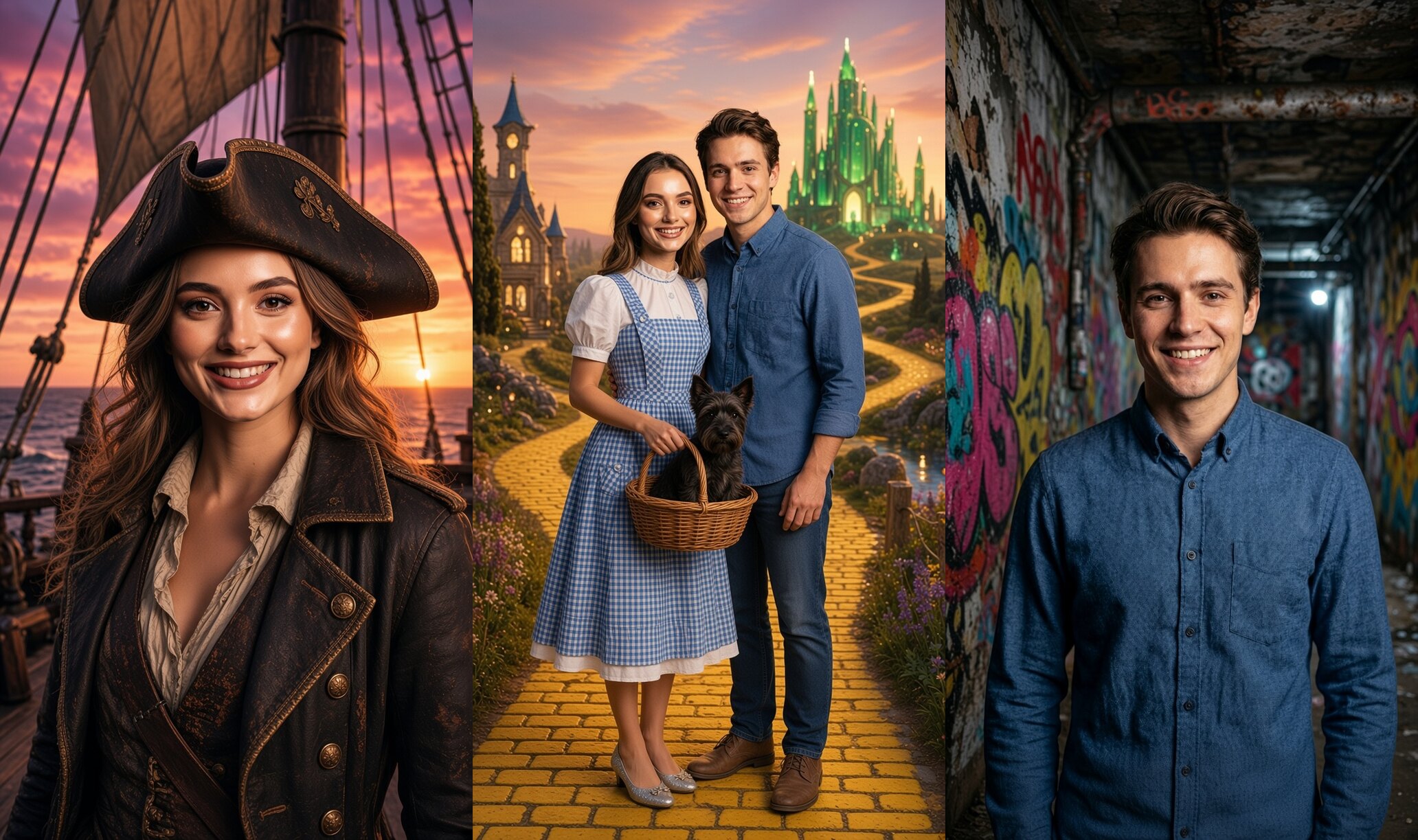
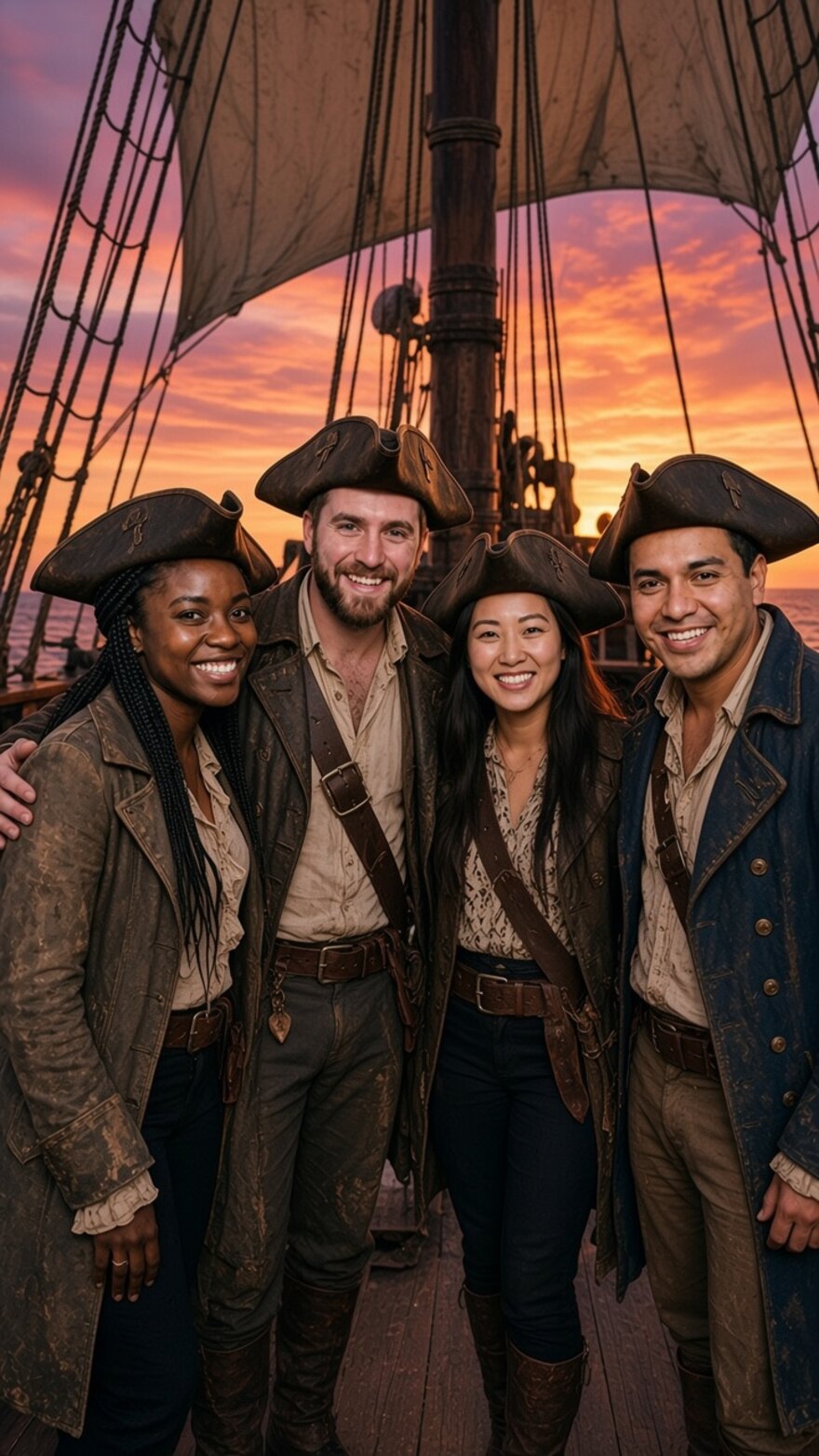
The pictures on this page come from a production booth this afternoon: the four demo portraits of the Try photobooth page, three styles, twelve photos, no retouching and no second takes.
One portrait in, two scenes out
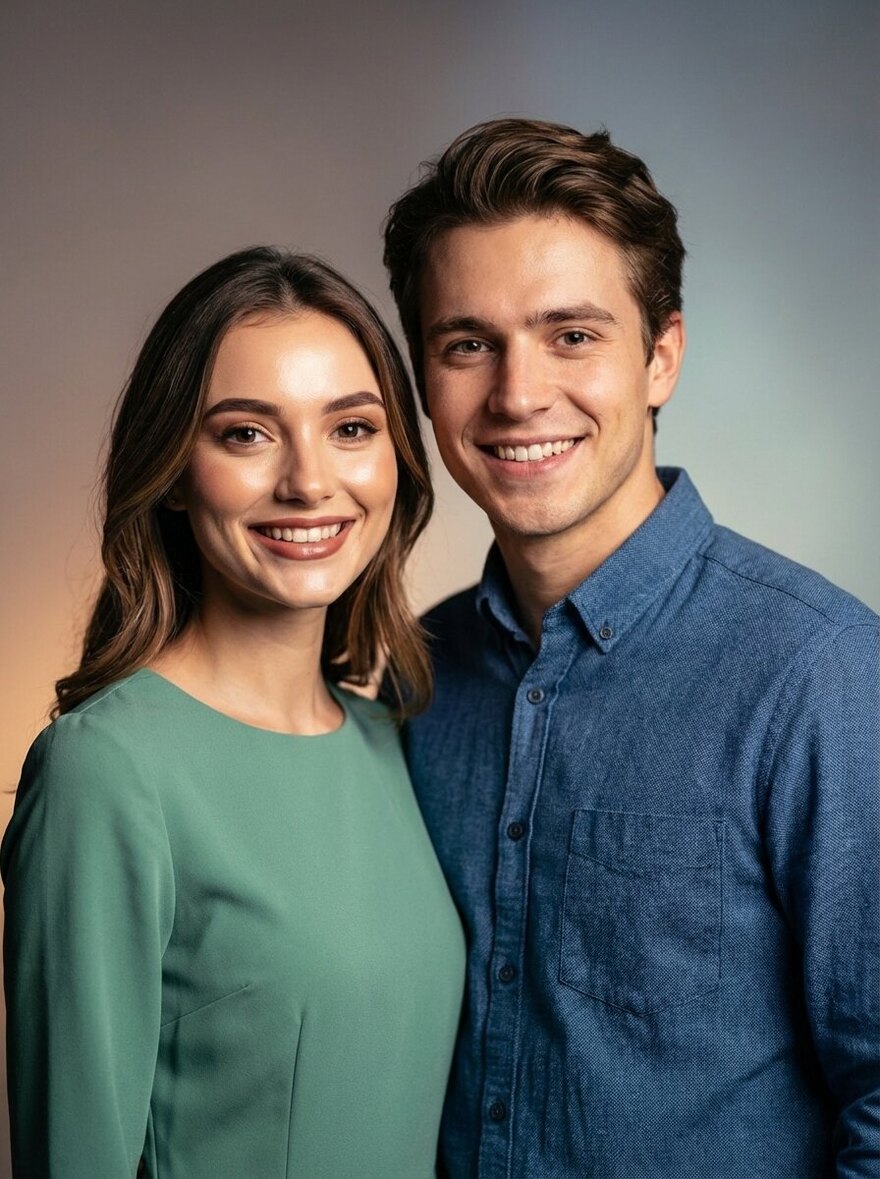
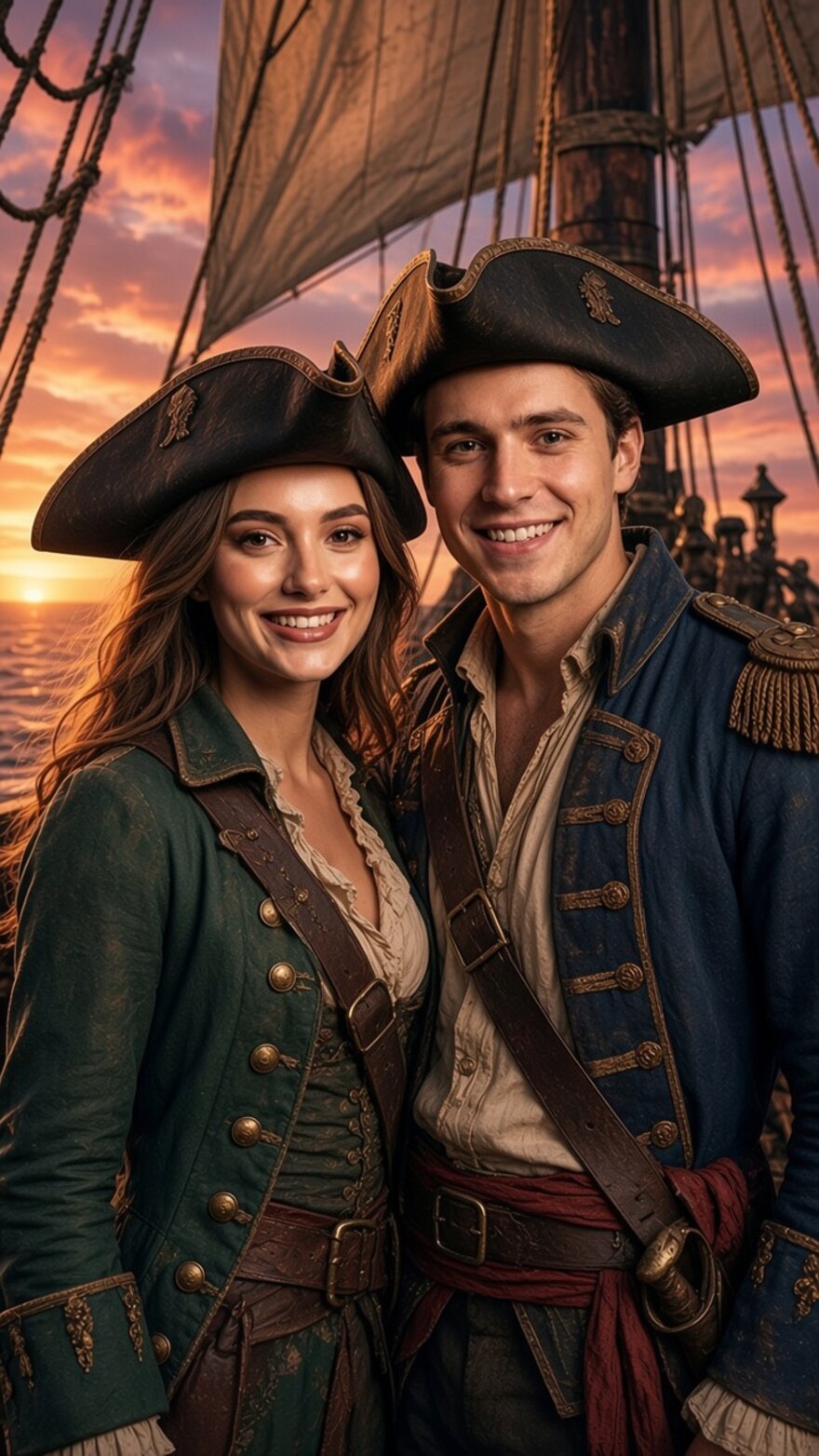
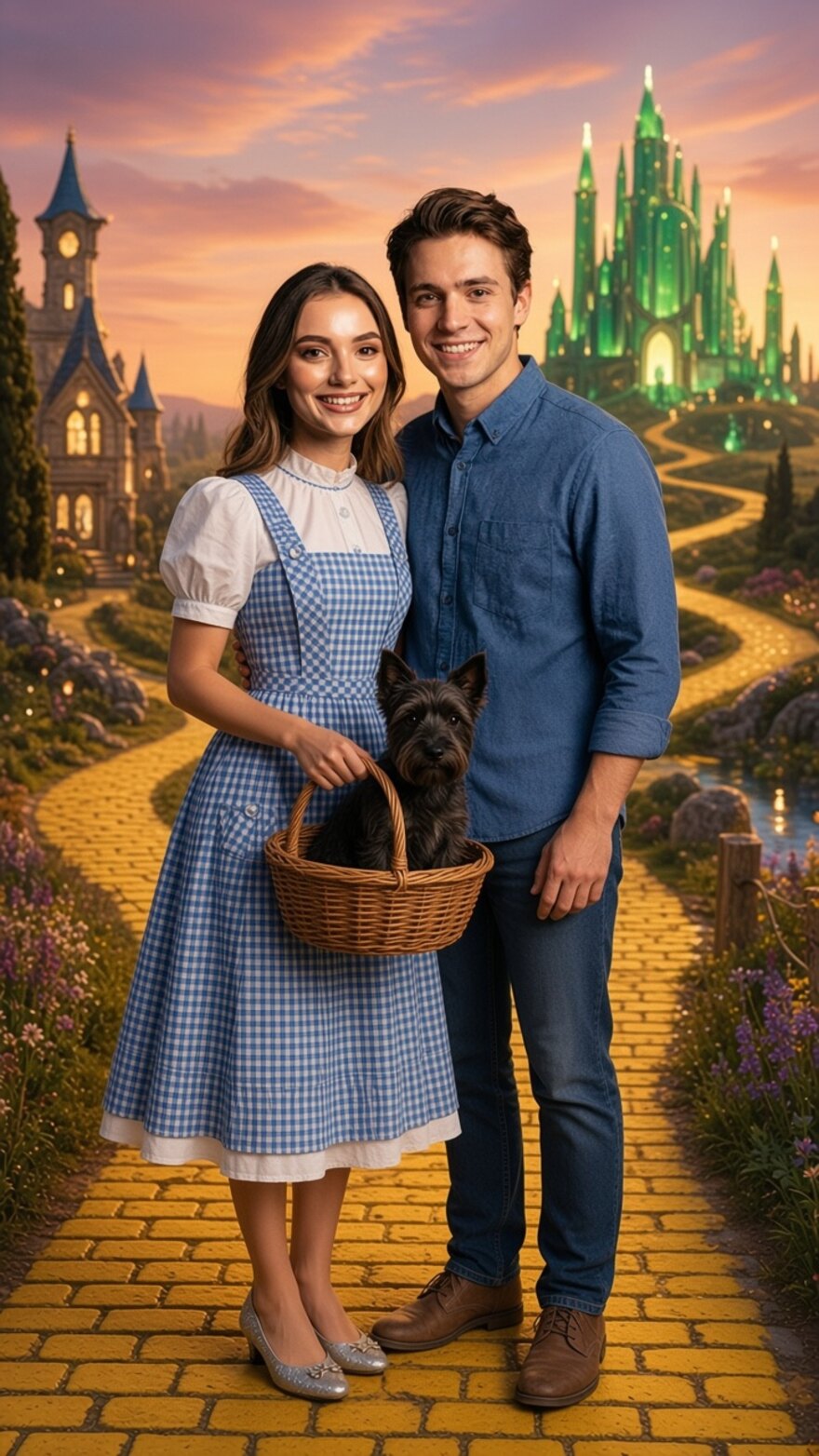
The couple below is one of the demo portraits. The two renders keep both faces, swap the clothes, and build the whole scene around them.
What it does well
Every photo model has one thing it does best. For Grok Imagine it is the costume: the model replaces the clothes with the outfit of the scene and keeps the face, the hair and the smile of the guest intact.
- Faces that hold. On the twelve test photos, every face came back recognisable, the group of four included. Grok Imagine Image 2.0 is an editing model first: xAI built it around changing a picture rather than inventing one, and it ranks second on the image edit leaderboard of Arena, right behind GPT Image 2.
- Full costume changes. A shirt becomes a pirate coat, a dress becomes a gingham pinafore. Where some models keep the guest’s own clothes and only paint a new background, Grok dresses the guest for the scene.
- Up to 5 reference images. The selfie plus your product photos in one request, so product placement works out of the box, with the exact bottle or the exact logo in the guest’s hand.
- About 20 seconds a photo. The twelve test photos took between 12 and 23 seconds from selfie to result, in the same range as Nano Banana 2.1 and far from the 80 seconds of FLUX.3.
Good to know
Grok Imagine writes less readable text than FLUX.3 and Nano Banana 2.1. If your prompt puts the brand name on a banner behind the guest, keep one of those two. Pick Grok for costume-heavy themes: pirates, storybooks, period dramas, sports kits, uniforms.
The mode runs with the same automatic backup route as every other engine: if xAI has a bad minute at your event, or refuses a prompt, the photo is made on Nano Banana 2.1 instead and the guest never notices.
The output format is picked per booth in the booth settings: seven ratios, from 9:16 stories to 16:9 wide. 4:5 is the one Instagram format Grok does not offer; use 9:16 or 3:4.
How to try it
Edit a photobooth, pick Live Edit Grok Imagine as the workflow. Your prompts, templates and delivery settings run unchanged, and the prompt library is the same one you use on Nano Banana 2.1. It works on the Windows kiosk and the tablet app without an update.
Pick your engine
Grok Imagine is the fifth photo engine in AI Photobooth, and the choice is yours per booth:
- Nano Banana 2.1 for speed and likeness on any volume of guests, on every plan.
- Nano Banana Pro for the sharpest faces when the queue allows an extra few seconds.
- GPT Image 2.5 when you want OpenAI’s take on the same prompt.
- FLUX.3 for signs, posters and rich scenes.
- Grok Imagine for costume changes and story scenes, about 20 seconds a photo.
The last three are on the Pro and Enterprise plans. If you are on Pro or Enterprise, switch one booth to Grok Imagine, take a selfie, and compare it with the same prompt on Nano Banana 2.1. Then reply to the email we sent you if anything looks off: we check every report the same day.