

GPT Image 2.6 Is Out. Your Photo Booths Already Run It.
Out on the 4th, in every booth on the 5th
OpenAI released GPT Image 2.6 on 4 November 2026. On 5 November, every photo booth on the Live Edit GPT Flare and Live Edit GPT Sunburst modes was running it. No update to install, no setting to change. If your booth ran GPT Image 2.5 yesterday, it runs GPT Image 2.6 today.
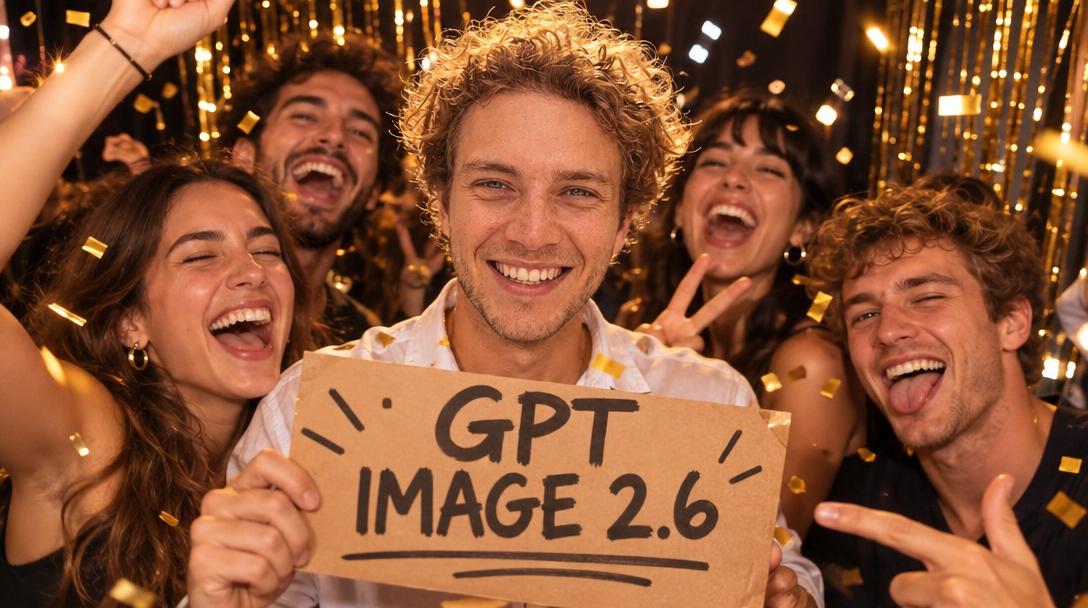
Price stays where it was: 1 credit per photo, the same as every other photo mode. Speed got better. In our tests the Flare mode went from about 20 seconds per photo on 2.5 to about 12 seconds on 2.6, at the same Full HD size. Sunburst, the detailed one, stays around 30 seconds.
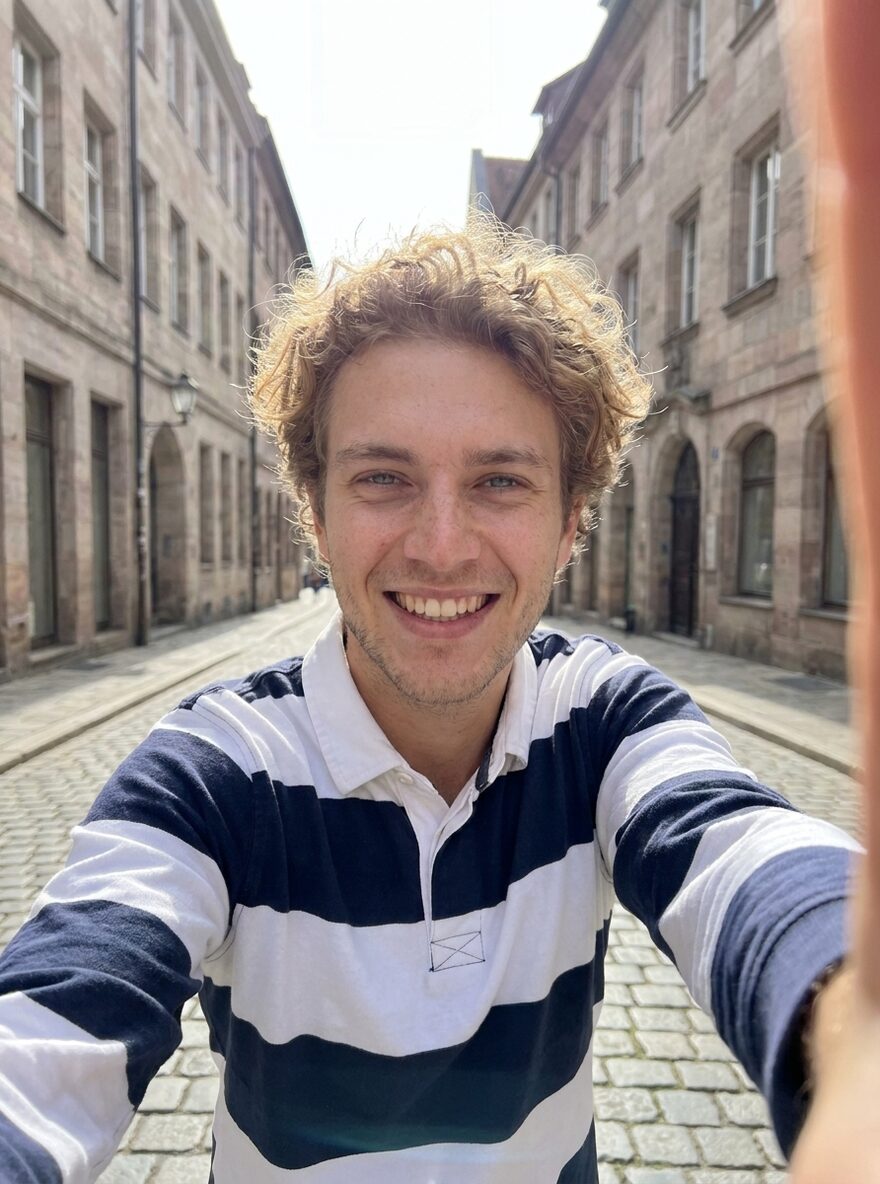
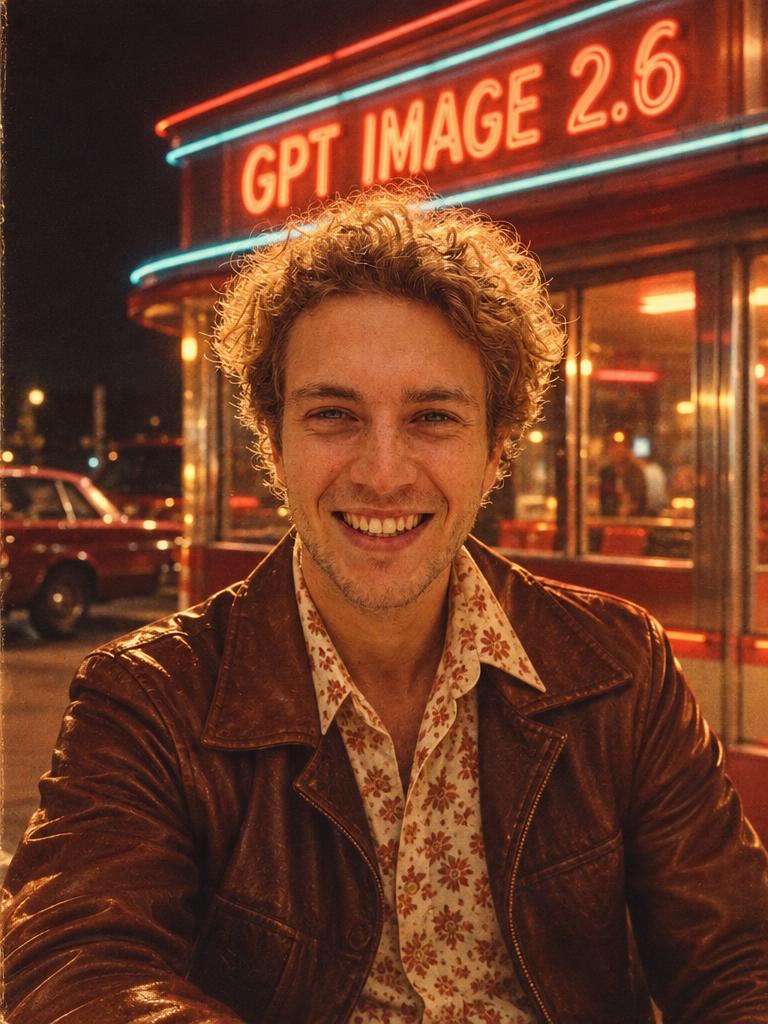
The pictures on this page are GPT Image 2.6 Flare renders from one selfie, straight from the model, no retouching. Yes, the signs read.

What OpenAI changed
GPT Image 2.6 keeps the two flavours we introduced with GPT Image 2.5 in September: Flare for fast iteration, Sunburst for detailed visual work. The details are in OpenAI’s announcement and on the API model page.
Three things are new:
- A complexity setting. The model can now be told how much to plan before it renders: low, medium or high. OpenAI’s own note says that higher complexity “can increase latency and introduce unwanted changes”. For a photo booth, unwanted changes means a guest who no longer looks like the guest. We run both modes on low, and we measured it: the faces are the same as on medium, and the photo comes back faster.
- Markup-guided edits. An edit can be steered by circling a region on a transparent overlay. We do not use it in the booth yet; the guest’s prompt does the steering.
- SVG and animated GIF output. Interesting for designers, not for a photo that goes to a guest’s phone, so nothing changes there.
The token prices did not move, so neither did ours.
What changes for you
Nothing, by design. Your prompts, styles, templates, product placement images and delivery settings run as they are. Every output size we offer, from the square to the Full HD portrait and landscape, went through the new model before we switched anyone.
One honest note, the same one we gave for Nano Banana 2.1: if a style was tuned around a quirk of the old model, run it once and look. Models change, and a prompt that was fighting GPT Image 2.5 may now be pushing in the wrong direction.
How we did it
We tested the model on staging first: sixteen photos, every output size, both modes, the new complexity setting on low and on medium, next to a GPT Image 2.5 baseline on the same selfie and the same prompt. Then we switched every booth in one database migration and took a photo on a production booth right after, to see the result with our own eyes: 16 seconds, same face.
That is the reason we keep our own connector to each model provider rather than a middleman: when OpenAI ships, you get it within a day, with the same automatic backup route to a second provider in case the first has a bad minute at your event.
Pick your engine
GPT Image 2.6 is one of four photo engines in AI Photobooth, and the choice is yours per booth:
- Nano Banana 2.1 for speed and likeness on any volume of guests.
- Nano Banana Pro for the sharpest faces when the queue allows an extra few seconds.
- GPT Image 2.6 when you want OpenAI’s take on the same prompt: Flare for the queue, Sunburst for the detailed scene.
- FLUX.3 for signs, posters and rich scenes.
If you have not tried the GPT modes since the update, open a booth, take a selfie and compare it with one from last week. Then write to hello@aiphotobooth.eu if anything looks off: we check every report the same day.