FLUX.3 in Your AI Photo Booth: Black Forest Labs at 1 Credit
A new photo mode, same price
AI Photobooth now runs FLUX.3 Image, the model Black Forest Labs released on 2 October 2026. In the dashboard you will find a new workflow next to the ones you already use: Live Edit FLUX.3. It costs 1 credit per photo, like every other photo mode, and we connect to the Black Forest Labs API directly, with the same automatic backup route as our other models, so an event never stops because one provider has a bad minute.
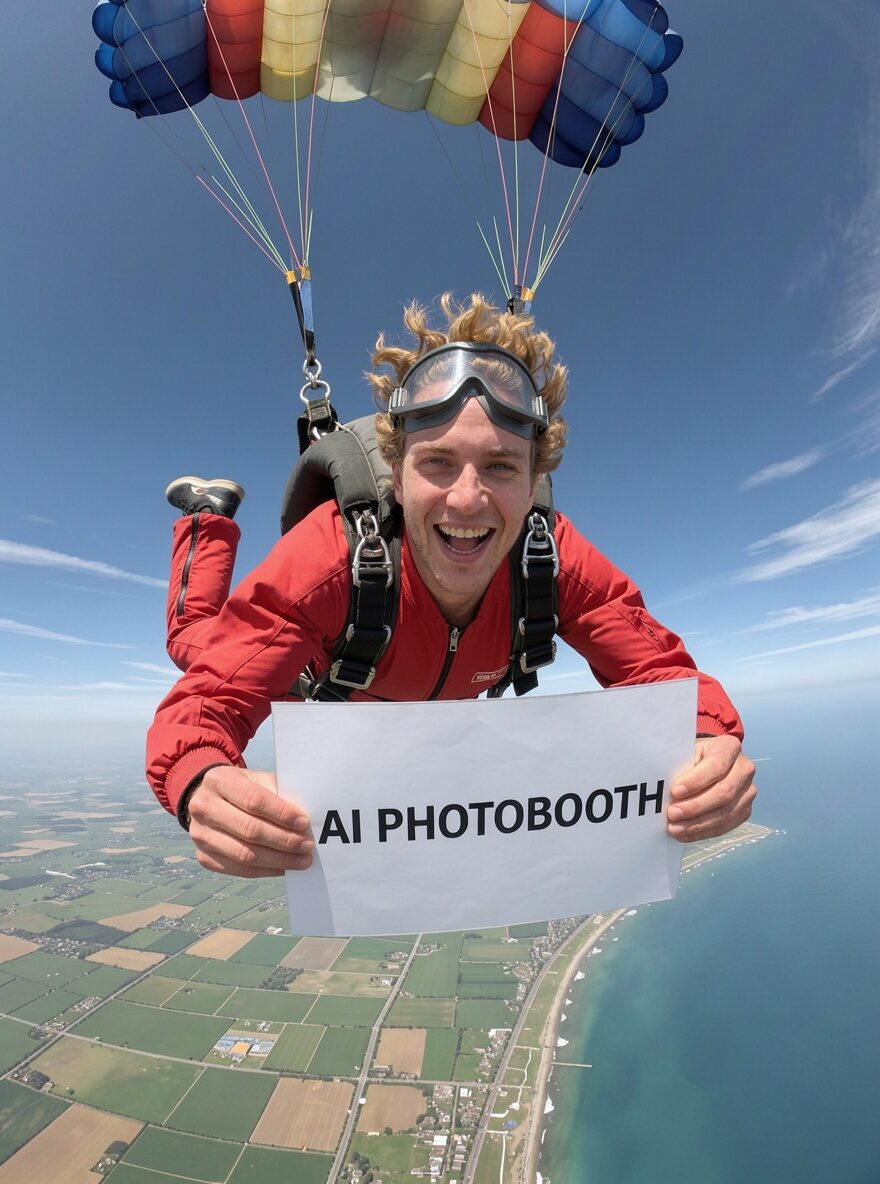
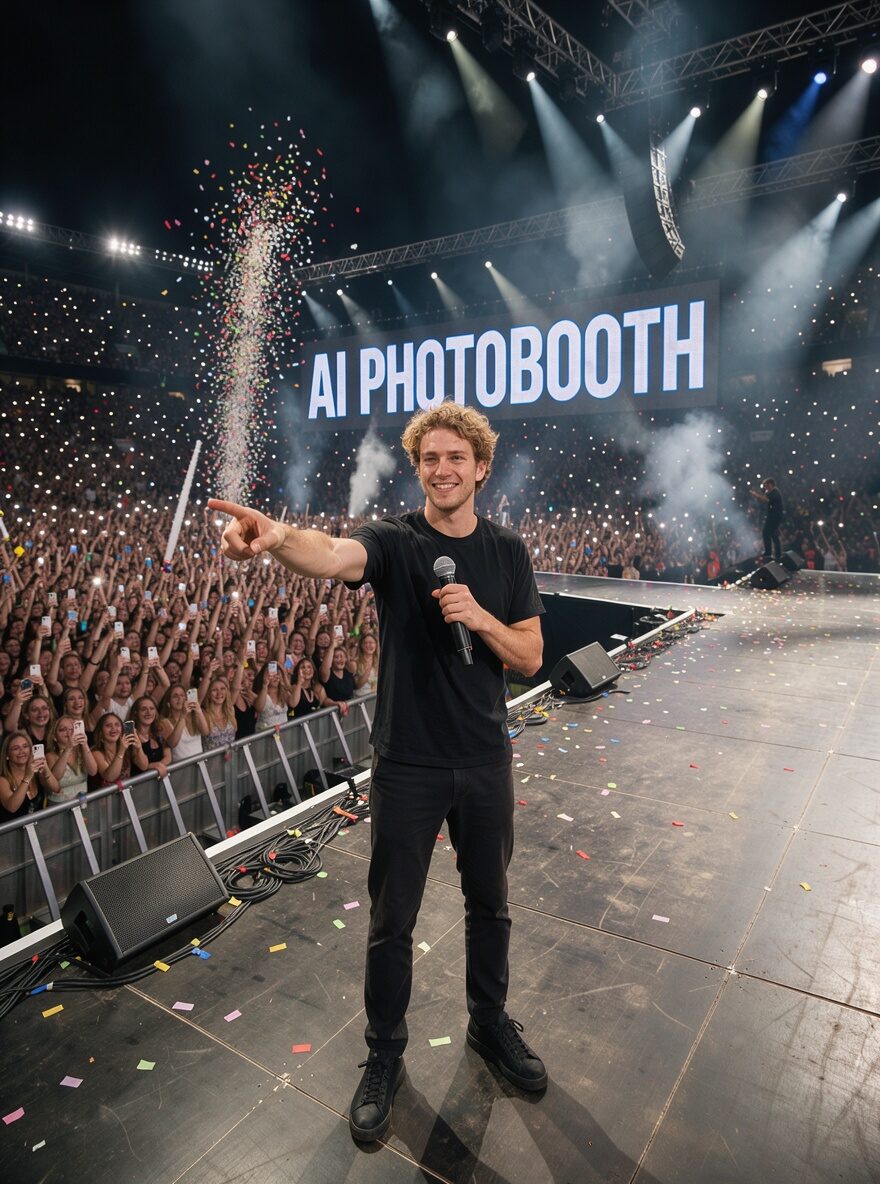
One selfie in, two photos out: same face, and the sign reads.

What it does better
Every photo model has one thing it does best. For FLUX.3 it is the picture around the guest.
- Text that reads. Signs, name badges, posters, a slogan on a wall: FLUX.3 writes them cleanly. If your event prompt puts the brand name on a banner behind the guest, this is the mode to pick.
- Up to 10 references in one picture. The selfie, the product, a background plate: the model keeps them all in the same scene. For product placement that means the exact bottle, the exact logo, in the guest’s hand.
- Rich scenes. Crowds, stages, stadiums, street scenes at night: the model builds a full scene rather than a backdrop.
What to know before you pick it
FLUX.3 takes about 80 seconds per photo. Nano Banana 2.1 takes about 15. On a queue of two hundred guests that is the difference between a line and no line, so FLUX.3 is the mode for premium activations, brand launches and photo booths where guests wait for a sign or a poster with their name on it, not the mode for a high-volume wedding.
On our group selfie test the four faces stay recognisable through every scene. Nano Banana Pro still keeps faces a touch closer to the selfie; FLUX.3 wins on the lettering and the layout. Pick by what your event needs. One more thing: Black Forest Labs moderates prompts that name a brand. A sponsor’s name written in the prompt can be refused, the credit comes back by itself, but the guest waits for nothing. For branded prompts, stay on Nano Banana or GPT Image; give FLUX.3 the scenes, the signs and the posters.
Product placement works out of the box
The mode accepts product images like the others. Upload the sponsor’s product once, choose where it goes (in the hand, on the wrist, on the table, next to the guest) and FLUX.3 keeps the product’s shape, colours and logo in every photo.
How to try it
- Open the dashboard and create a new photobooth, or edit an existing one.
- Pick Live Edit FLUX.3 as the workflow.
- Keep your prompts, templates and delivery settings, they work unchanged.
The mode is available on the Starter, Pro and Enterprise plans, on the Windows kiosk and on the tablet app. It joins Nano Banana 2.1, Nano Banana Pro and GPT Image 2.5: four photo engines, one credit each, and the choice is yours per booth.